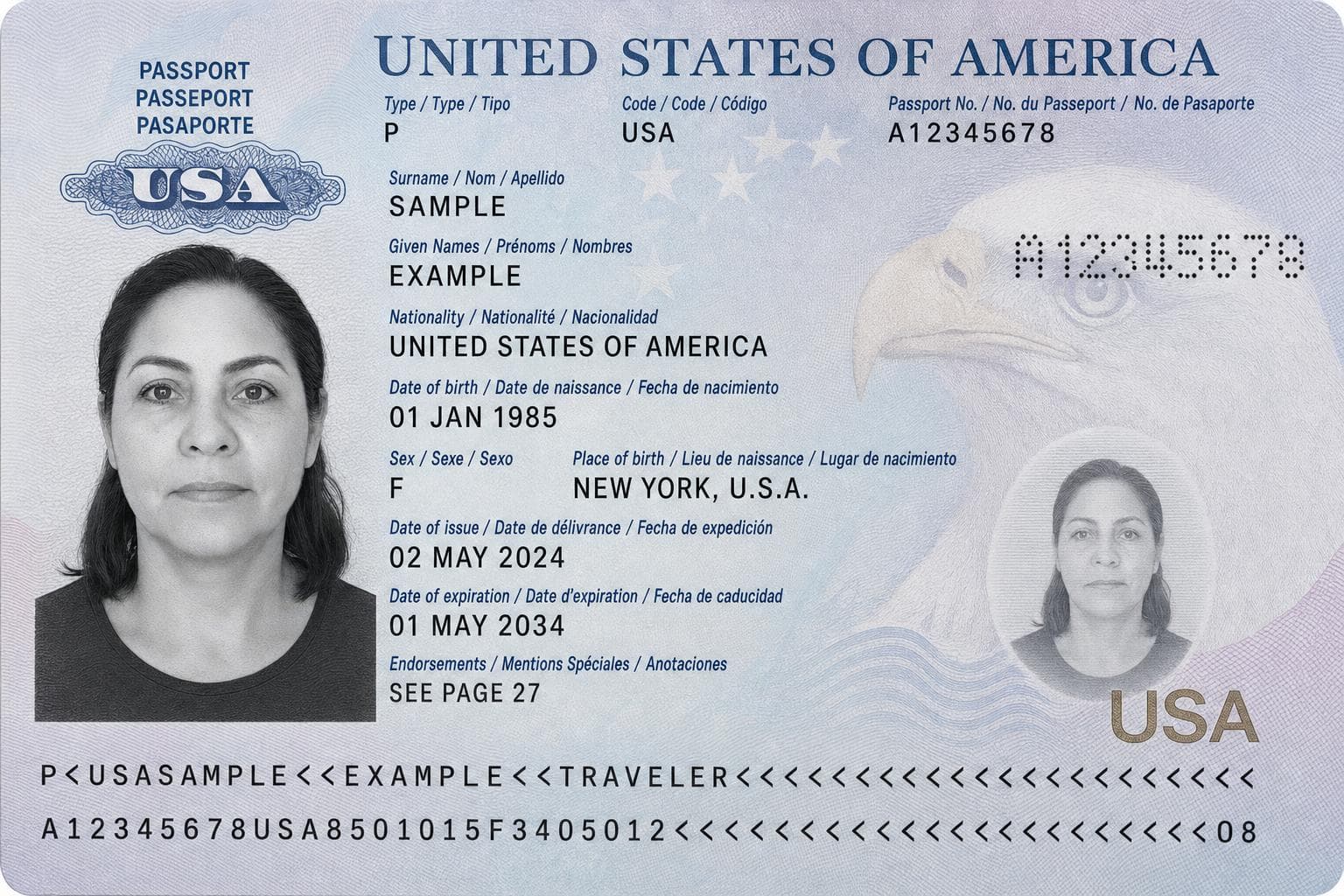
U.S. Passport Photo Rejected:Why & How to Fix (2026)

If the U.S. online passport renewal website says “Sorry, we can’t accept your photo,” its uploader may have flagged your positioning, face angle, image quality, background, or glasses. Check the original photo before submitting it again.

11,198 photos accepted
Ready in 2 minutesHuman expert reviewPrice match guarantee

U.S. Passport Photo Rejected Examples

Sorry, we can't accept your photo

Your positioning doesn't meet requirements. Your face should take up most of the photo, with the top of your hair and shoulders just inside the frame. Use the face outline on the "Edit Photo" page to zoom or reposition your photo.

It looks like your face is tilted or turned away. Make sure your eyes are level in your photo and you're directly facing the camera.

Go back and edit your photo or select a different photo.

View detailed photo requirements.
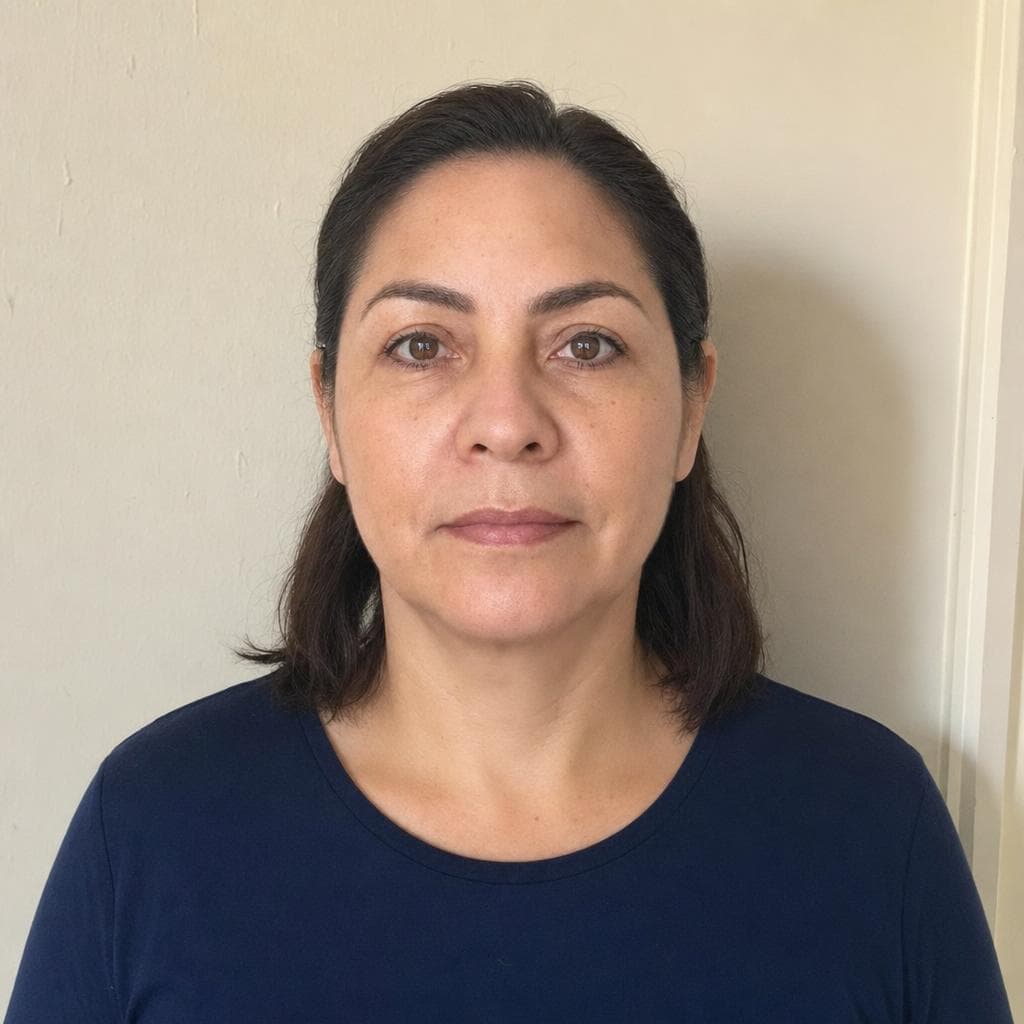
Sorry, we can't accept your photo

Your photo quality doesn't meet the requirements. It might be zoomed in too close, or it may be too dark or lacking image details. This sometimes happens if you take a photo of a printed photo. Make sure your photo is high quality, well lit, and clearly shows the details of your face.

Go back and edit your photo or select a different photo.

U.S. Passport Photo Requirements

Image dimensions

2×2 in (51×51 mm)

Resolution

600×600 px min.

Background color

White or off-white

Expression

Neutral, eyes open

Photo angle

Eyes level, no tilt

Head size

1" to 1⅜"

Eye height

1⅛" to 1⅜"

Glasses

Not allowed

(medical exception)

Headwear

Not allowed

(religious exception)

Recency

Within 6 months

Common U.S. passport photo error messages

The uploader can show more than one reason at a time. Wording may vary as the online renewal system changes.

Your positioning does not meet requirements

Your face may be too large, too small, off-center, tilted, or turned away from the camera.

Your photo quality does not meet the requirements

The image may be too dark, too tightly cropped, blurry, compressed, or missing facial detail.

Your background is not acceptable

The uploader may detect color, texture, objects, lines, or shadows instead of a plain white or off-white background.

It looks like you are wearing glasses

Frames, glare, reflections, hair, or strong shadows near the eyes can trigger an eye-area warning.

How to Fix Your U.S. Passport Photo

Uploading a rejected U.S. passport photo from a phone
1

Upload the Photo That Was Rejected

Start with the original digital photo that triggered the U.S. passport upload error so we can check its framing, lighting, background, and image quality.

U.S. passport photo processing with background and compliance checks
2

Check and Correct Passport Issues

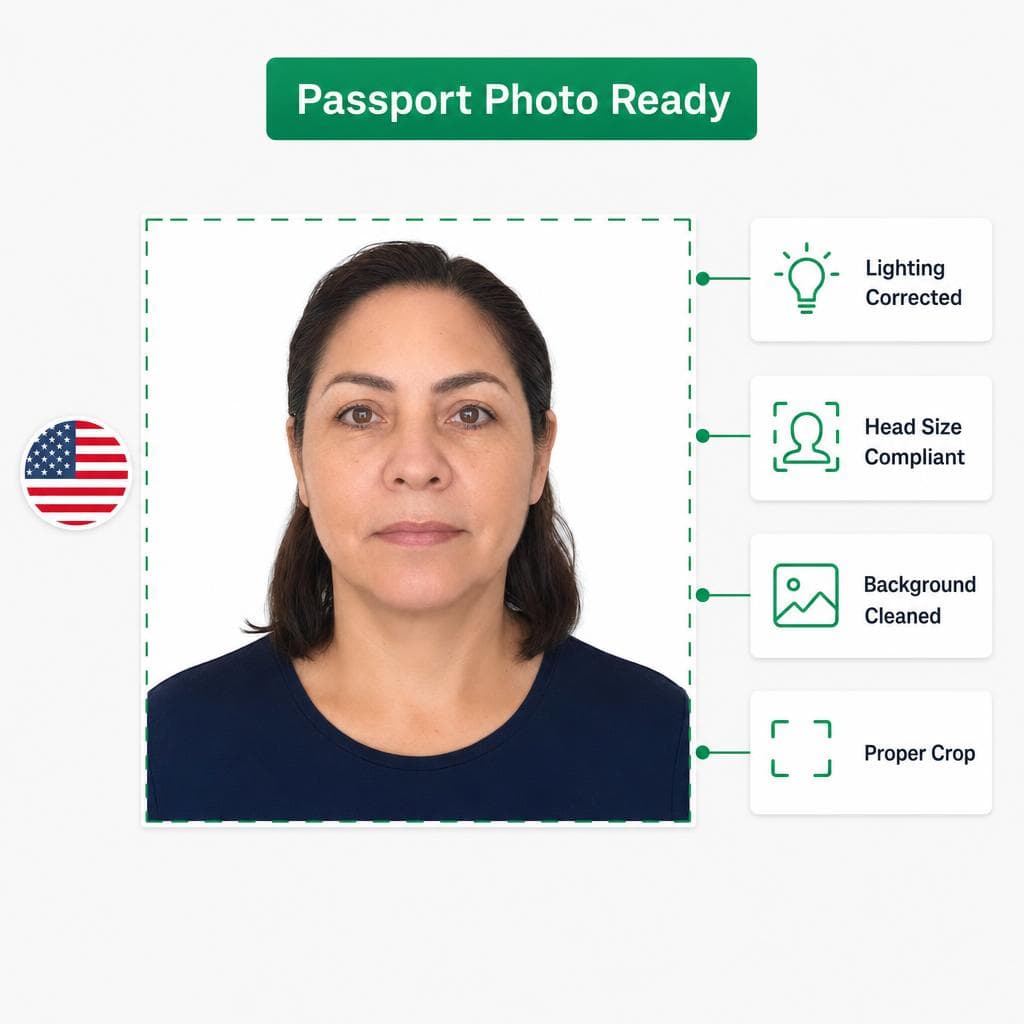
We check the crop, head position, background, lighting, and sizing against U.S. passport photo requirements and correct fixable issues.

Final digital U.S. passport photo ready to download and upload again
3

Download Your Passport-Ready Photo

Download the corrected digital photo and return to the online passport renewal application with a properly formatted replacement file.

Compare Verified Passport Photo Options

Passport Photo Ready logo

Passport Photo Ready

Best
Price
From $8.99
Delivery
Digital + Walgreens pickup
Time
2 minutes
Location
From home
Photo quality
Perfect looking
Privacy
Encrypted + CCPA rights
Acceptance guarantee
Expert verified

CVS / Walgreens

Price
$16.99+
Delivery
Print pickup only
Time
30 minutes wait time
Location
In store
Photo quality
Basic
Privacy
Compliant
Acceptance guarantee
No

Other Comparable Tools

Price
$11.99+
Delivery
Digital only
Time
5–15 minutes
Location
From home
Photo quality
Poor lighting or unnatural
Privacy
Non-compliant
Acceptance guarantee
Varies

Questions About Rejected U.S. Passport Photos

What does "Sorry, we can't accept your photo" usually mean?

It usually means the U.S. online passport renewal check detected a problem with positioning, face angle, background, lighting, eye visibility, glasses, or image quality.

Can a passport photo look fine and still get rejected?

Yes. The automated upload check can be stricter than a normal visual review. Small issues with crop, head position, lighting, contrast, or image detail can still trigger a rejection.

Do I need to take a completely new passport photo?

Not always. If the original photo is sharp and your face is clearly visible, its crop, background, sizing, and other fixable issues may be corrected. Retake it when your face is turned, your eyes are obstructed, or the source image is blurry.

What if the fixed passport photo is still not accepted?

Your order includes expert review and an acceptance guarantee. If the final photo is rejected for compliance reasons, you can request a refund under the guarantee.